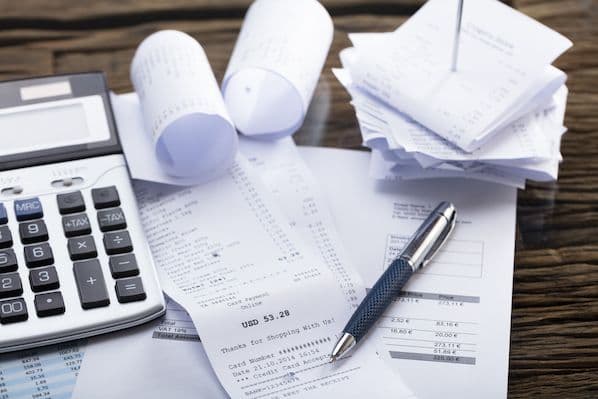
Receipts are among the most frequently processed business documents.
Employees submit expense receipts. Finance teams review purchase receipts. Accountants collect supporting documentation for tax reporting. Bookkeepers reconcile transactions using receipt records.
While receipts may seem simple, manually processing hundreds or thousands of them every month can consume significant time and resources.
A single receipt contains valuable information such as:
- Merchant name
- Transaction date
- Tax amount
- Currency
- Payment method
- Receipt number
- Total amount
- Itemized purchases
Traditionally, employees entered this information manually into accounting software.
Today, OCR receipt scanner software automates the process.
Modern receipt OCR tools can capture receipt images, extract data automatically, validate information, and sync transactions directly into accounting systems like QuickBooks and Xero.
This guide explores how receipt OCR works, what makes OCR accurate, and the best receipt scanner software available today.
Table of Contents
- What Is Receipt OCR?
- Why Businesses Need Receipt OCR
- How Receipt OCR Works
- OCR vs Manual Receipt Entry
- What Makes OCR Accurate?
- Common Receipt OCR Challenges
- Receipt OCR vs Invoice OCR
- How We Evaluated Receipt Scanner Software
- Best OCR Receipt Scanner Software
- Comparison Table
- QuickBooks Receipt Scanner Software
- Xero Receipt Scanner Software
- AI OCR vs Traditional OCR
- How BillsDeck Simplifies Receipt Processing
- Frequently Asked Questions
- Final Thoughts
What Is Receipt OCR?
Receipt OCR (Optical Character Recognition) is technology that converts receipt images, scanned documents, PDFs, and photographs into structured digital data.
Instead of manually typing information from a receipt, OCR software automatically extracts fields such as:
- Merchant name
- Date
- Tax
- Currency
- Total amount
- Category
- Receipt number
The extracted data can then be sent directly into bookkeeping and accounting systems.
Why Businesses Need Receipt OCR
Manual receipt processing creates several challenges:
Time-Consuming Data Entry
Employees spend hours entering expense information.
Lost Receipts
Paper receipts are easily misplaced.
Expense Reconciliation Delays
Finance teams struggle to process receipts quickly.
Human Errors
Manual entry introduces inaccuracies.
Compliance Risks
Missing receipt records can create audit issues.
Receipt OCR solves these problems through automation.
How Receipt OCR Works
Step 1: Receipt Capture
Receipts enter the system through:
- Mobile cameras
- Email attachments
- PDF uploads
- Scanners
- Cloud storage
Step 2: Image Enhancement
The software improves readability by correcting:
- Shadows
- Rotation
- Low contrast
- Blur
Step 3: OCR Recognition
Text is extracted from the receipt image.
Step 4: AI Classification
The system identifies:
- Merchant
- Date
- Currency
- Taxes
- Totals
Step 5: Validation
Business rules verify extracted information.
Step 6: Accounting Sync
Data is pushed into accounting software.
What Makes Receipt OCR Accurate?
One of the most overlooked ranking topics in receipt OCR content is accuracy.
Users searching for OCR software care less about OCR technology itself and more about whether it correctly extracts information.
Factors that influence OCR accuracy include:
Receipt Quality
Clear images improve extraction performance.
AI Training
Machine-learning models improve recognition across different receipt formats.
Merchant Recognition
The software should identify merchant names even when logos or layouts vary.
Tax Recognition
Accurate tax extraction is essential for bookkeeping.
Currency Detection
Global businesses require support for multiple currencies.
Line Item Extraction
Advanced OCR tools capture item-level details.
Common Receipt OCR Challenges
Not all receipts are easy to process.
Challenges include:
- Crumpled receipts
- Faded thermal paper
- Handwritten notes
- Foreign languages
- Poor image quality
- Multi-page receipts
- Long restaurant receipts
The best OCR software combines OCR with AI-based correction mechanisms to improve extraction accuracy.
Receipt OCR vs Invoice OCR
| Feature | Receipt OCR | Invoice OCR |
|---|---|---|
| Merchant Name | Yes | Yes |
| Tax Extraction | Yes | Yes |
| Line Items | Sometimes | Yes |
| Due Dates | No | Yes |
| PO Matching | No | Yes |
| Expense Tracking | Yes | Limited |
| AP Automation | Limited | Extensive |
Both technologies serve different business workflows.
How We Evaluated Receipt Scanner Software
The software below was evaluated based on:
- OCR accuracy
- Receipt recognition
- Accounting integrations
- Mobile support
- Automation capabilities
- Batch processing
- Pricing flexibility
- User experience
- Expense workflow support
Best OCR Receipt Scanner Software in 2026
1. BillsDeck
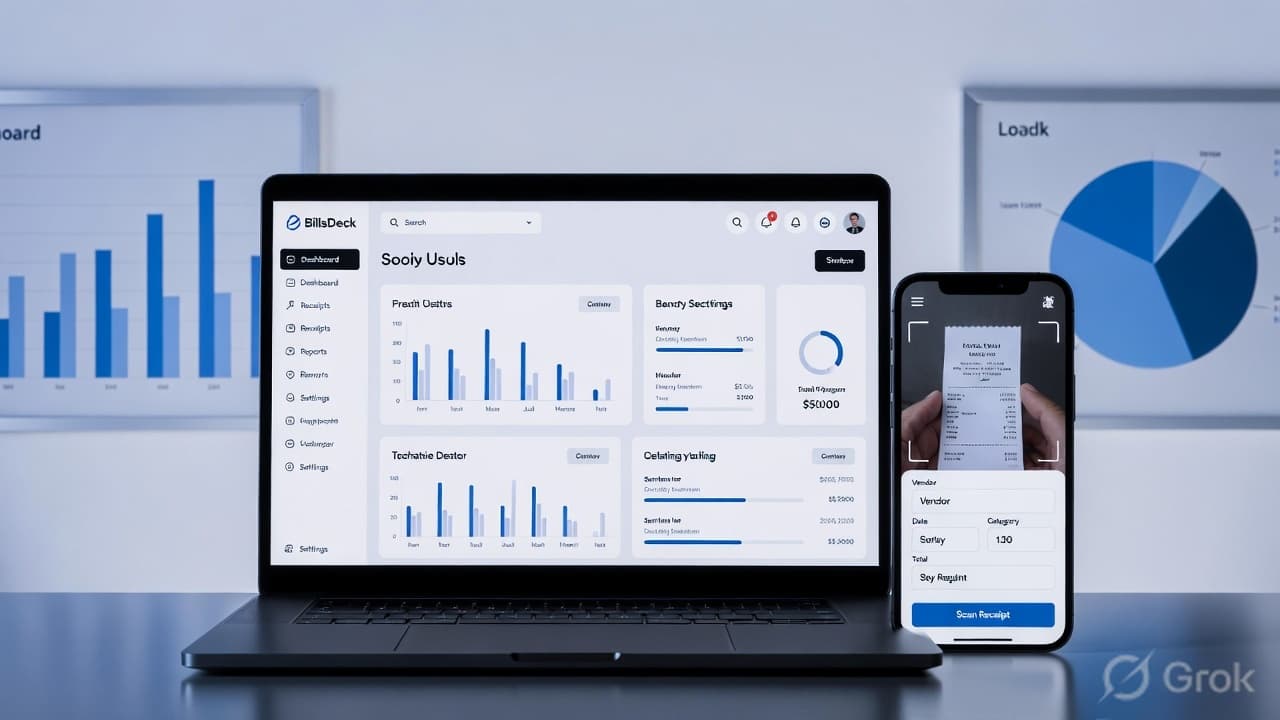
BillsDeck combines receipt collection, OCR extraction, accounting integrations, and workflow automation into a single platform.
Key Features
- AI-powered receipt OCR
- Receipt data extraction
- Batch processing
- Multi-format support
- Email receipt collection
- QuickBooks integration
- Xero integration
- Google Sheets integration
- OCR converter
Businesses can automate receipt processing using:
- BillsDeck Receipt OCR
- BillsDeck OCR Converter
- BillsDeck Receipt Scanner for QuickBooks
- BillsDeck Receipt Scanner for Xero
Best For
- Accounting firms
- Bookkeepers
- Finance teams
- Small businesses
2. Dext
Strengths
- Strong accounting ecosystem
- Mobile capture
- Expense management
Best For
Accountants and bookkeeping firms.
3. Expensify
Strengths
- Employee expense reporting
- Receipt OCR
- Corporate card workflows
4. Veryfi
Strengths
- Fast OCR processing
- API support
- Mobile scanning
5. AutoEntry
Strengths
- Affordable
- Accounting integrations
6. Klippa
Strengths
- International OCR support
- Mobile capture
7. Zoho Expense
Strengths
- Expense workflows
- OCR receipt capture
8. Hubdoc
Strengths
- Xero ecosystem
- Document collection
9. Nanonets
Strengths
- AI-powered extraction
- Custom workflows
10. Rossum
Strengths
- Intelligent document processing
- Advanced automation
Comparison Table
| Software | OCR Accuracy | QuickBooks | Xero | Mobile App |
|---|---|---|---|---|
| BillsDeck | High | Yes | Yes | Yes |
| Dext | High | Yes | Yes | Yes |
| Expensify | High | Yes | Limited | Yes |
| Veryfi | High | Yes | Yes | Yes |
| AutoEntry | High | Yes | Yes | Yes |
| Klippa | High | Yes | Yes | Yes |
| Hubdoc | High | Limited | Yes | Yes |
| Zoho Expense | High | Yes | Yes | Yes |
QuickBooks Receipt Scanner Software
QuickBooks users need more than OCR.
They need automated transaction creation.
The best QuickBooks receipt scanners can:
- Extract receipt data
- Create expenses
- Categorize transactions
- Attach source documents
BillsDeck Receipt Scanner for QuickBooks is specifically designed to automate this workflow.
Xero Receipt Scanner Software
Xero users often require:
- Supplier matching
- Receipt categorization
- Expense automation
BillsDeck Receipt Scanner for Xero streamlines receipt processing and synchronization into Xero.
AI OCR vs Traditional OCR
Traditional OCR:
- Reads text
- Requires templates
- Struggles with layout variations
AI OCR:
- Understands document structure
- Learns from corrections
- Handles different receipt formats
- Improves over time
This is why AI-powered receipt OCR is rapidly replacing legacy OCR systems.
How BillsDeck Simplifies Receipt Processing
Most OCR tools stop at extraction.
BillsDeck extends beyond OCR by combining:
- Document collection
- Receipt OCR
- Invoice OCR
- Accounting integrations
- Workflow automation
- Document organization
This creates a complete receipt processing workflow from upload to bookkeeping.
Frequently Asked Questions
What is receipt OCR software?
Receipt OCR software extracts structured data from receipts automatically.
Which receipt scanner is most accurate?
Accuracy depends on image quality, extraction models, and workflow validation. Modern AI-powered OCR platforms generally outperform traditional OCR systems.
Can OCR read faded receipts?
Many advanced OCR systems can process faded receipts, though image quality impacts accuracy.
Does receipt OCR work with QuickBooks?
Yes. Many receipt OCR platforms integrate directly with QuickBooks.
Does BillsDeck support QuickBooks?
Yes. BillsDeck provides a dedicated QuickBooks receipt scanner integration.
Does BillsDeck support Xero?
Yes. BillsDeck integrates with Xero through its receipt scanning workflow.
What's the difference between OCR and AI OCR?
OCR extracts text, while AI OCR understands document context and improves extraction accuracy.
Final Thoughts
Receipt OCR software has become an essential tool for modern bookkeeping and expense management. Organizations that still rely on manual receipt entry waste valuable time and increase the risk of errors. By adopting an AI-powered receipt OCR solution, businesses can automate expense tracking, improve accounting accuracy, and streamline financial workflows.
For businesses looking for a complete receipt processing solution, BillsDeck combines OCR, document collection, QuickBooks integration, Xero integration, and workflow automation in a single platform.