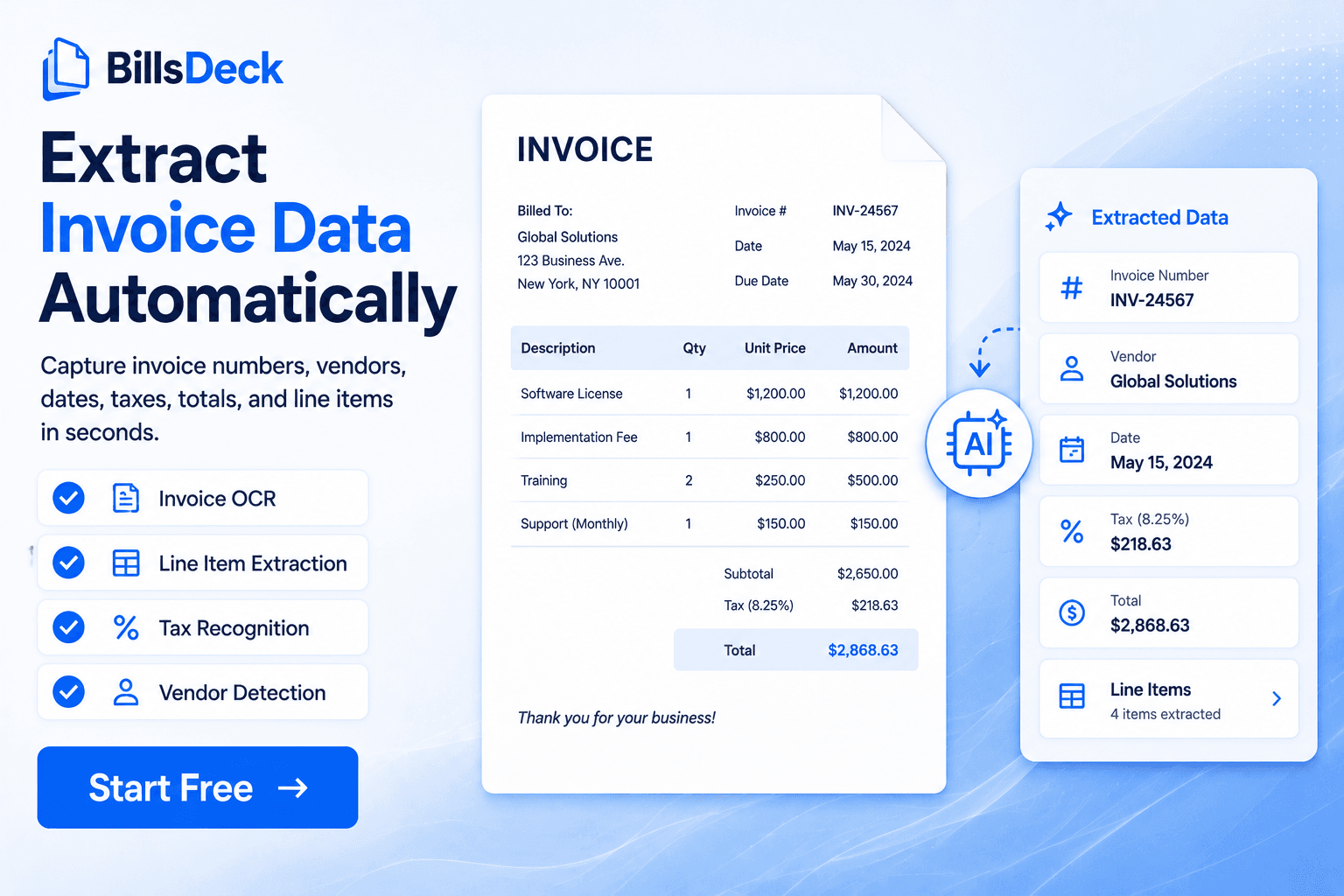
Manual expense entry is one of the biggest productivity challenges for accountants.
Many firms spend hours entering data from receipts into QuickBooks.
Automation tools can significantly reduce this workload.
Traditional Expense Entry Workflow
The typical workflow includes:
- Collect receipts from clients
- Upload them to QuickBooks
- Extract transaction details
- Categorize expenses
- Reconcile transactions
While effective, this workflow becomes inefficient with large volumes.
How Automation Improves Expense Entry
Automation tools reduce manual steps by:
- Extracting receipt data automatically
- Organizing transactions
- Preparing expenses before syncing with accounting systems
Platforms like BillsDeck help automate receipt processing and expense tracking.
Automated Expense Workflow
A modern automated workflow looks like this:
1 Upload receipts to BillsDeck 2 Extract transaction details automatically 3 Categorize expenses 4 Sync data with accounting software 5 Reconcile transactions faster
Benefits of Expense Automation
Accountants using automation experience:
- Faster bookkeeping
- Reduced manual entry
- Improved accuracy
- Better client workflows
Final Thoughts
As businesses process more transactions digitally, manual bookkeeping workflows are becoming inefficient.
Accountants increasingly rely on automation tools like BillsDeck to streamline receipt capture, expense categorization, and financial recordkeeping.