Introduction
If you've ever handled business finances, you've likely come across the term reconcile. But what does reconcile mean in accounting, and why is it so important?
Reconciliation is a fundamental accounting process that ensures your financial records match real-world transactions—like bank statements or payment records. Whether you're a small business owner or using accounting software, understanding reconciliation helps prevent errors, detect fraud, and maintain accurate books.
What Does Reconcile Mean in Accounting?
Reconcile in accounting means comparing two sets of financial records to ensure they match and are accurate.
Most commonly, it refers to:
- Matching your internal records (like your accounting software)
- With external records (like bank statements or payment gateways)
Simple Definition
Reconcile (Definition): To check and confirm that two sets of financial data are consistent and accurate.
Meaning of Reconcile (General Context)
Outside accounting, the word reconcile means:
- To bring into agreement
- To make consistent
- To settle differences
Reconcile Synonyms
Some common synonyms include:
- Match
- Verify
- Balance
- Align
- Settle
In accounting, all these point toward ensuring your numbers are correct.
Why Reconciliation is Important in Accounting
Reconciliation is not optional—it’s critical for financial accuracy.
Key Benefits:
- Detects errors (missing or duplicate entries)
- Prevents fraud or unauthorized transactions
- Ensures accurate financial reporting
- Helps during audits and tax filing
- Keeps cash flow under control
Without reconciliation, your financial data can quickly become unreliable.
Types of Reconciliation in Accounting
1. Bank Reconciliation
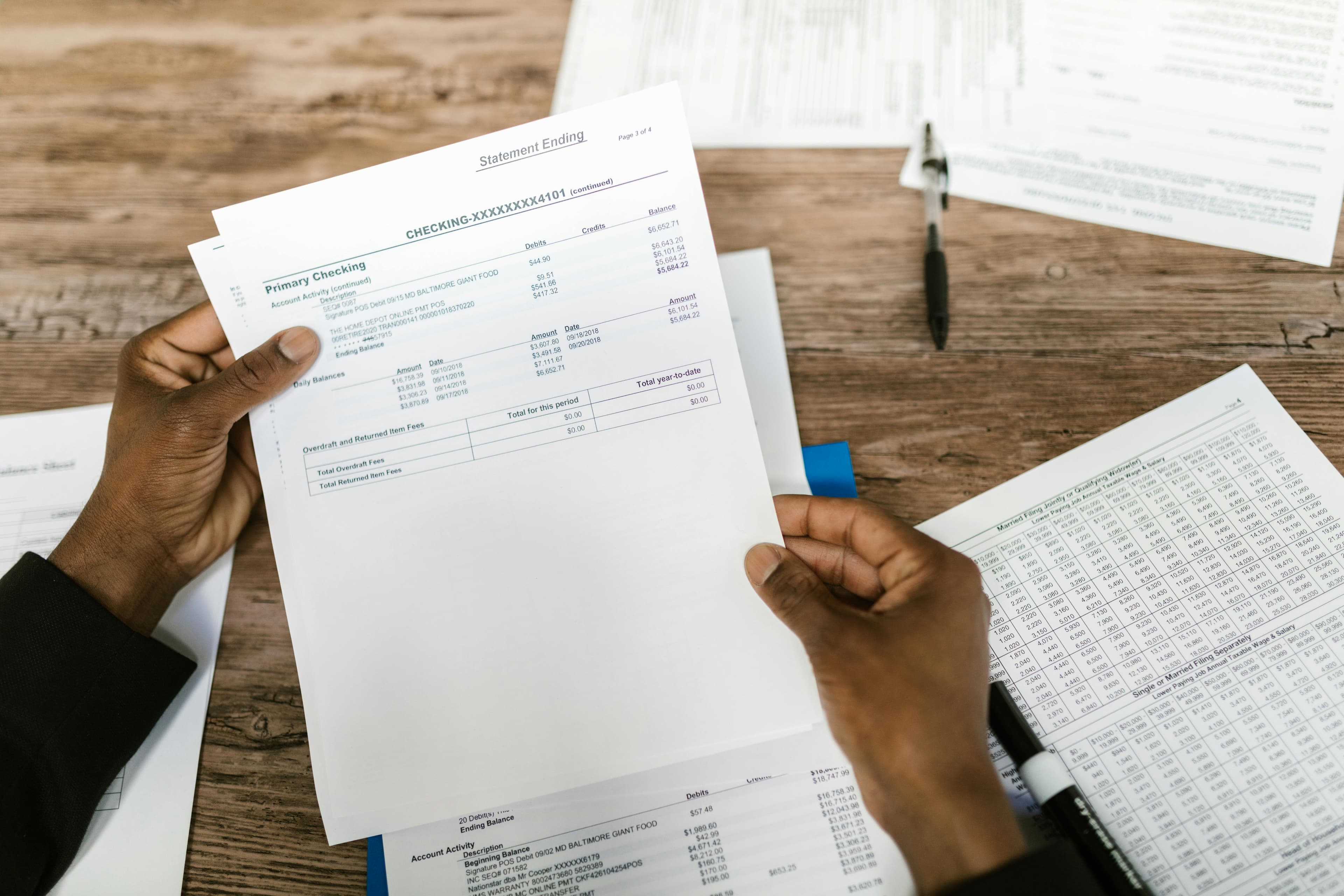
Comparing your accounting records with your bank statement.
2. Vendor Reconciliation
Matching supplier invoices with your records.
3. Customer Reconciliation
Ensuring customer payments match invoices.
4. Payment Gateway Reconciliation
Matching payments from platforms like Stripe or Razorpay with your books.
Example of Reconciliation
Let’s say:
- Your accounting record shows: ₹50,000
- Your bank statement shows: ₹48,000
Difference: ₹2,000
After checking, you find:
- A cheque hasn’t cleared yet (₹1,500)
- Bank charges not recorded (₹500)
Once adjusted → Both records match ✔️
That’s reconciliation.
How to Reconcile in QuickBooks (Step-by-Step)
Reconciliation in QuickBooks is one of the most searched processes, especially for small business owners.
How to Reconcile in QuickBooks Online:
- Go to Accounting
- Click on Reconcile
- Select the account (e.g., Bank Account)
- Enter:
- Ending balance
- Statement date
- Match transactions:
- Tick transactions that appear in the bank statement
- Ensure the difference becomes ₹0
- Click Finish Now
Tips for QuickBooks Reconciliation:
- Always reconcile monthly
- Use bank feeds to automate entries
- Investigate unmatched transactions immediately
Common Mistakes in Reconciliation
Avoid these common errors:
- ❌ Missing transactions
- ❌ Duplicate entries
- ❌ Wrong dates or amounts
- ❌ Ignoring bank charges
- ❌ Not reconciling regularly
Even small mistakes can create large discrepancies over time.
Reconcile Medication & Other Contexts (Clarification)
You might also see search terms like:
- Reconcile medication
- Reconcile for dogs
These are unrelated to accounting.
In healthcare:
Reconciliation means verifying patient medications.
In veterinary context:
It refers to ensuring correct treatment or records for animals.
In accounting, reconciliation strictly deals with financial accuracy.
How Often Should You Reconcile?
- Daily → High transaction businesses
- Weekly → Growing businesses
- Monthly → Minimum recommended
The more frequently you reconcile, the fewer errors you’ll face.
Manual vs Automated Reconciliation
Manual Reconciliation:
- Time-consuming
- Error-prone
- Suitable for very small businesses
Automated Reconciliation:
- Fast and accurate
- Connects bank feeds
- Categorizes transactions automatically
Final Thoughts
Reconciliation is one of the most important habits in accounting. It ensures your financial data is accurate, reliable, and ready for decision-making.
If you're still reconciling manually, it's worth switching to automation tools that can save hours of work and reduce errors.
Modern platforms like BillsDeck help you automatically import bank data, categorize transactions, and reconcile accounts in seconds—making accounting simple even for non-experts.
FAQs
1. What does reconcile mean in simple terms?
It means checking two records to ensure they match.
2. Why is reconciliation important?
It helps detect errors, prevent fraud, and maintain accurate financial records.
3. What is bank reconciliation?
Matching your accounting records with your bank statement.
4. Can reconciliation be automated?
Yes, modern accounting software can automate most reconciliation tasks.
5. How long does reconciliation take?
Manual: Hours
Automated: Minutes