Introduction
Businesses today are moving from manual accounting to computerized accounting. But which one is better?
Understanding the difference helps you choose the right system for your business.
What is Manual Accounting?
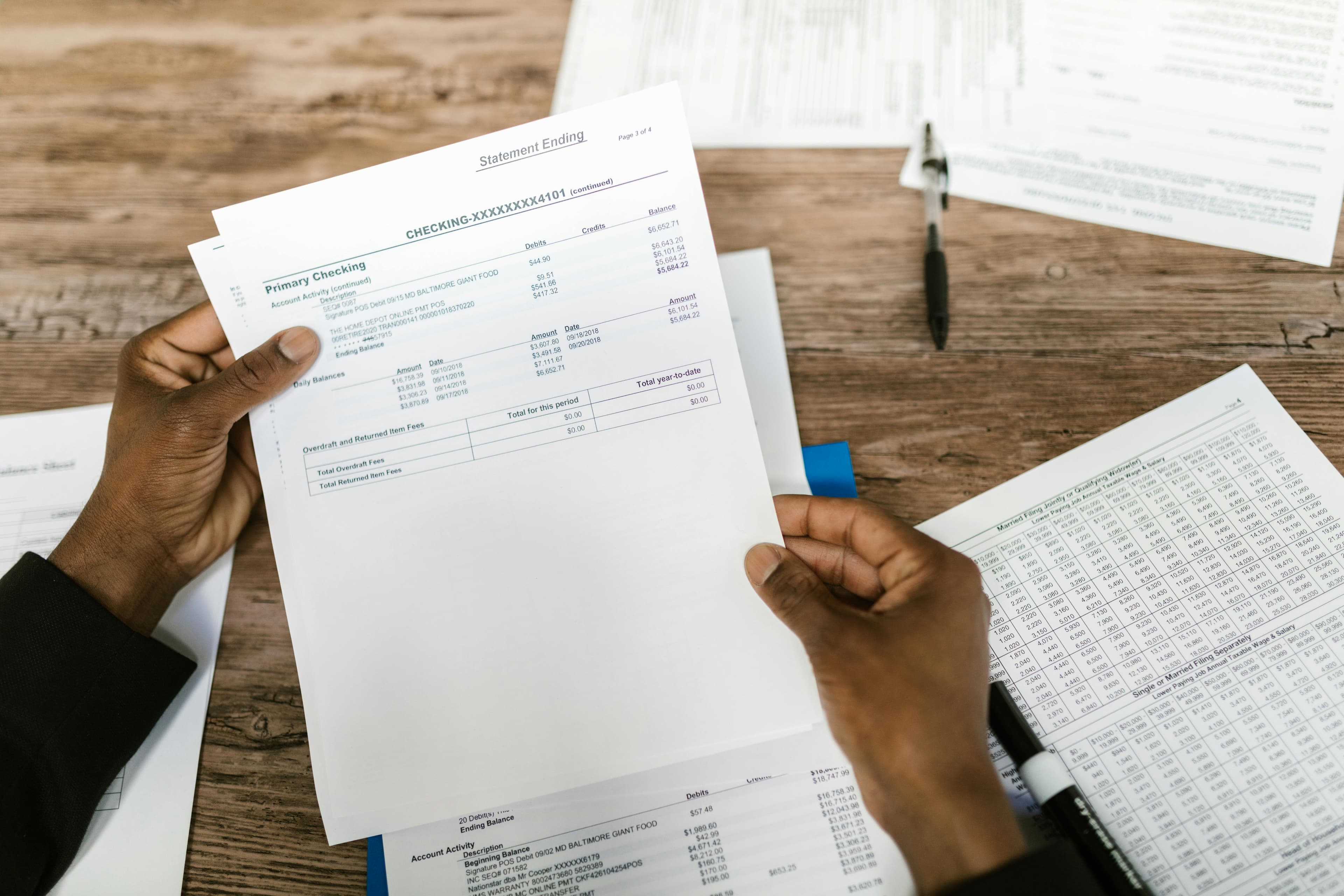
Manual accounting involves recording transactions using:
- Paper books
- Ledgers
- Spreadsheets
Everything is done manually.
What is Computerized Accounting?
Computerized accounting uses software to:
- Record transactions
- Generate reports
- Automate calculations
Examples include QuickBooks, Zoho Books, etc.
Key Differences (Table)
| Basis | Manual | Computerized |
|---|---|---|
| Speed | Slow | Fast |
| Accuracy | Error-prone | High accuracy |
| Cost | Low initial | Subscription-based |
| Scalability | Limited | High |
| Reporting | Manual | Instant |
Advantages & Disadvantages
Manual Accounting
Pros
- Low cost
- Simple to start
Cons
- Time-consuming
- High error risk
- Difficult to scale
Computerized Accounting
Pros
- Fast processing
- Accurate calculations
- Real-time reports
Cons
- Learning curve
- Subscription cost
Cost Comparison
- Manual → Low cost but high time investment
- Computerized → Monthly cost but saves time and effort
In the long run, automation is more cost-effective.
Which One Should You Choose?
- Small businesses → Start simple
- Growing businesses → Move to software
- Scaling businesses → Fully automated system
Role of Automation
Automation is the future of accounting.
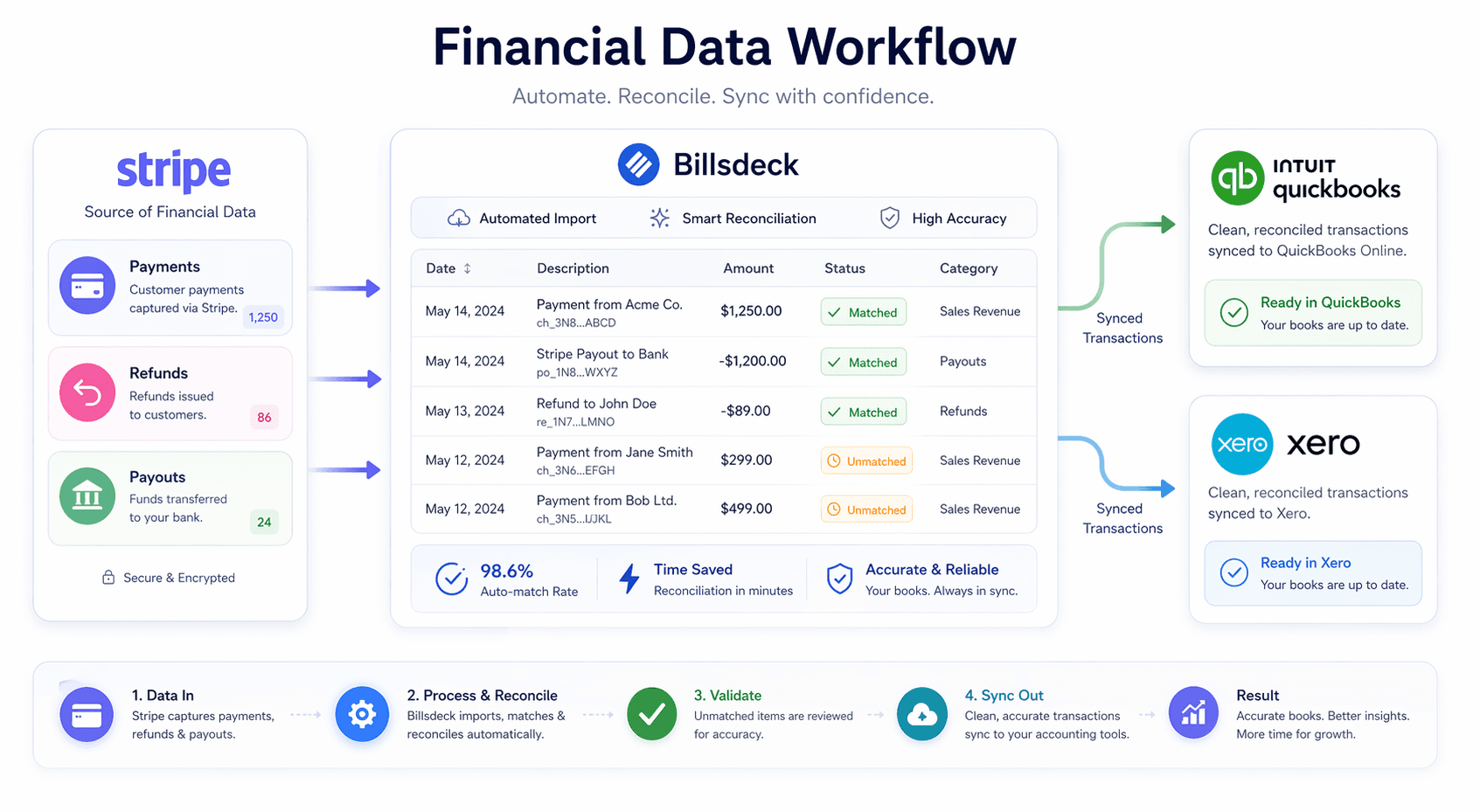
With tools like BillsDeck, you can:
- Import bank statements
- Auto-generate reports
- Reduce manual work
FAQs
Is manual accounting still used?
Yes, but mostly by very small businesses.
Why switch to computerized accounting?
For speed, accuracy, and scalability.
Is accounting software expensive?
Not compared to the time it saves.
Conclusion
Manual accounting may work in the beginning, but it limits growth.
Computerized accounting helps you:
- Save time
- Reduce errors
- Scale faster
CTA
Switch from manual to automated accounting with BillsDeck. Start saving hours every week.